Say what you want to see
Write the piece, the material and the mood. "Gold hoop earrings on a linen cloth, morning window light" is plenty. You do not need technical photography terms.
Describe the ring, the light and the backdrop. A few seconds later you have a clean, sharp jewelry photo you can put straight on a product page, an ad or a lookbook.
Free to start. No watermark. Commercial use included.
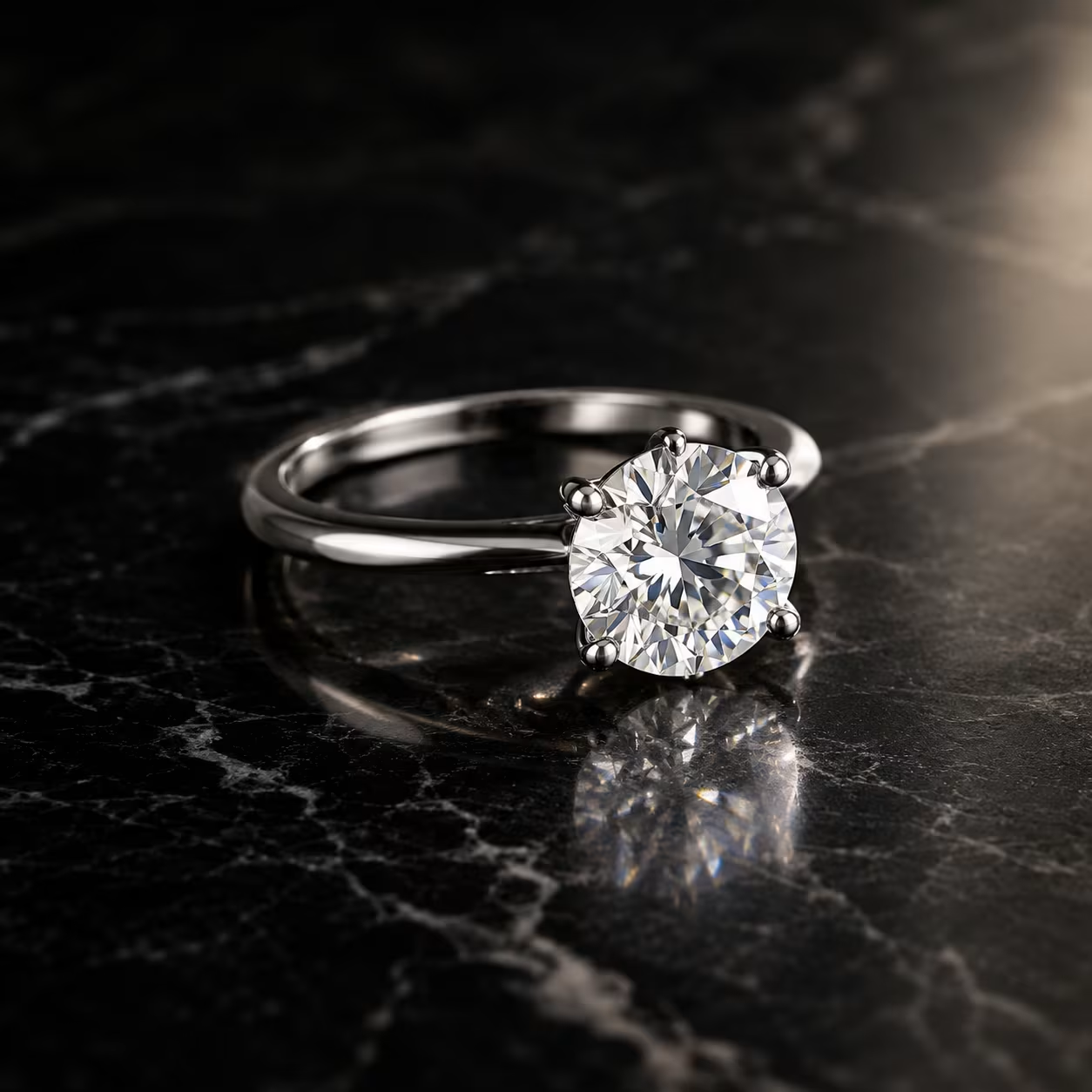
Jewelry is one of the hardest things to photograph. Metal throws reflections, stones scatter light in every direction, and a speck of dust the size of a grain of sand looks like a boulder on a 4K screen. Professional shoots solve this with light tents, macro lenses and hours of retouching, which is why a single product can cost more to photograph than it earns in its first month.
An AI jewelry photo generator takes a different route. You write a short description and the model paints a brand-new photograph from it: the piece, the surface it sits on, the direction of the light and the mood of the scene. Nothing is shot, nothing is retouched, and nothing waits on a courier.
That makes it useful in places where a traditional shoot is too slow or too expensive. Think seasonal campaigns, new collection teasers, marketplace banners, social posts and early design concepts. It sits next to your real product photos rather than replacing them, and for many small brands it fills the gap between "we have no pictures" and "we have a budget".
Three steps, and none of them involve a camera.
Write the piece, the material and the mood. "Gold hoop earrings on a linen cloth, morning window light" is plenty. You do not need technical photography terms.
Go horizontal for banners and product pages, square for marketplaces, tall for Pinterest and stories. Choosing the frame first saves cropping later.
Save the image without a watermark and drop it into your shop, newsletter or print catalog. Commercial use is included on every image.
Five pieces, five moods. Each one started as a single prompt and each is a horizontal 1024-pixel-wide frame, which is the shape most store banners and product pages use.
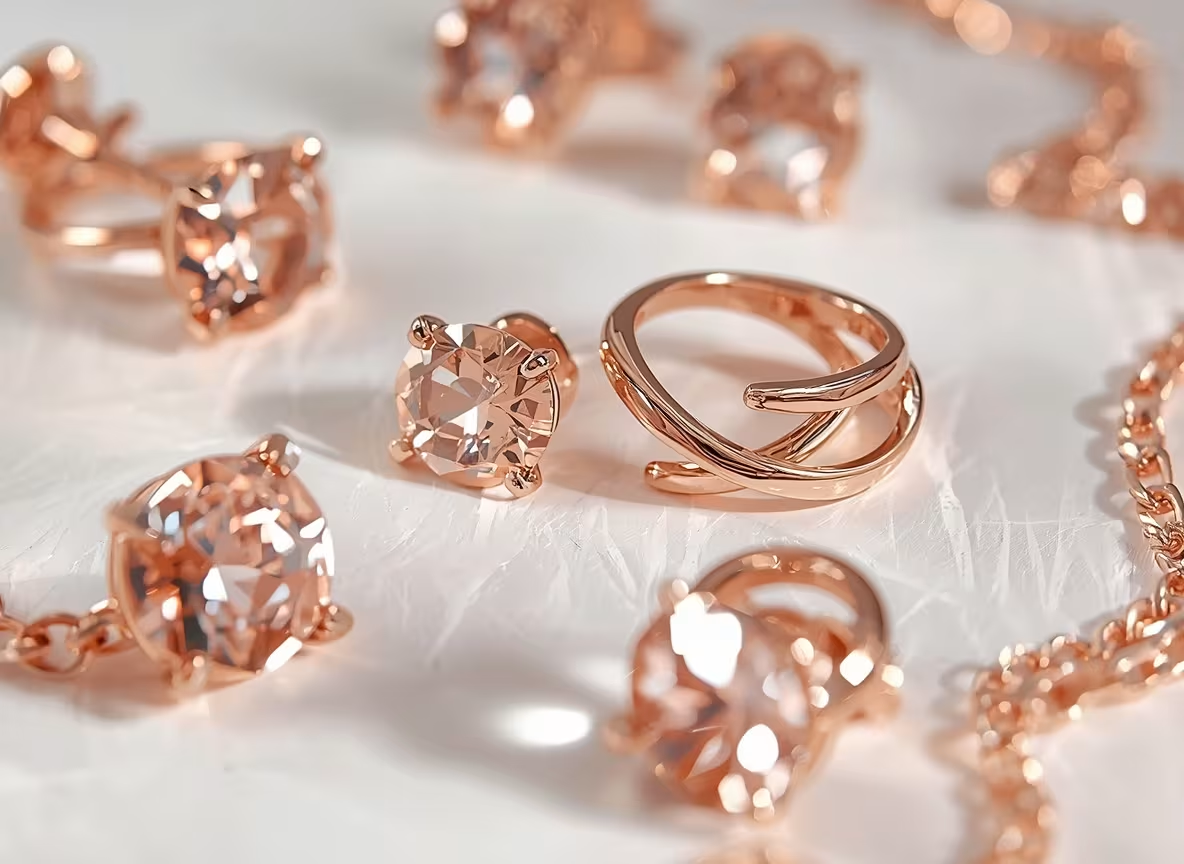
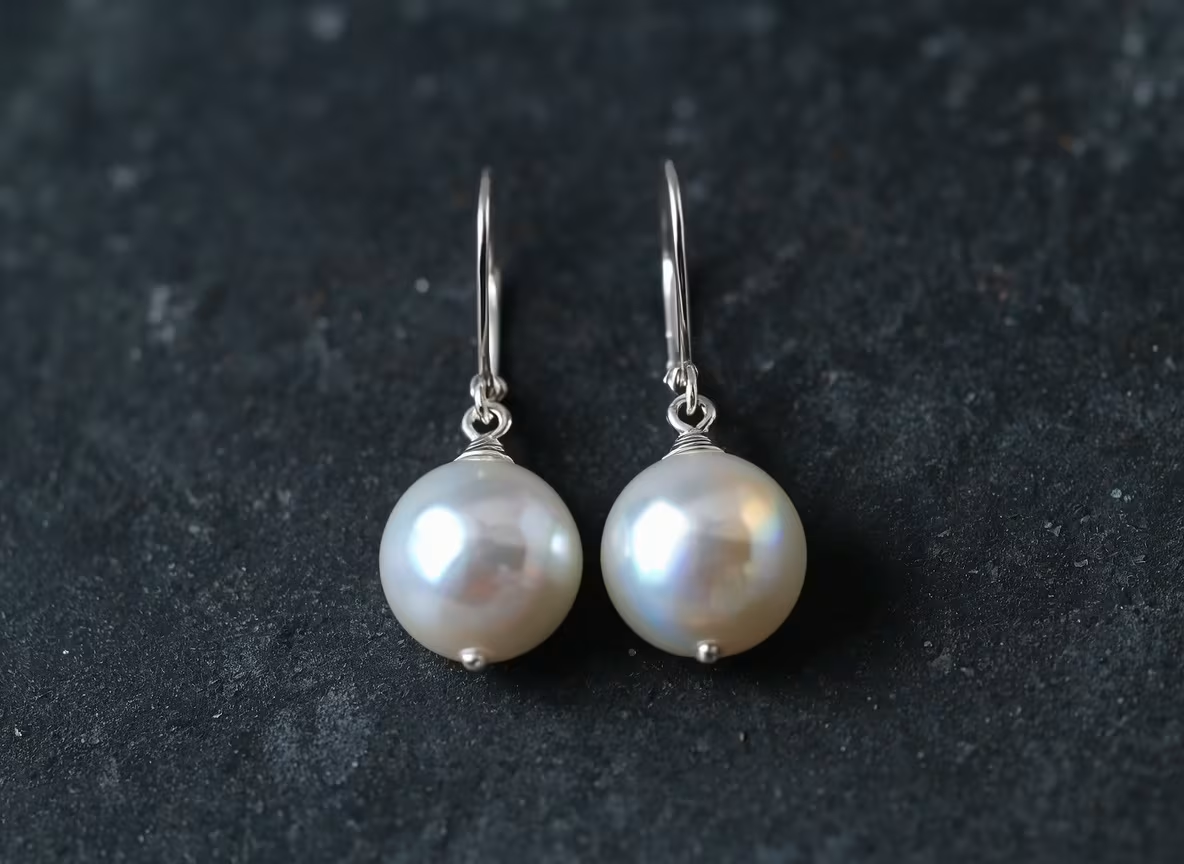
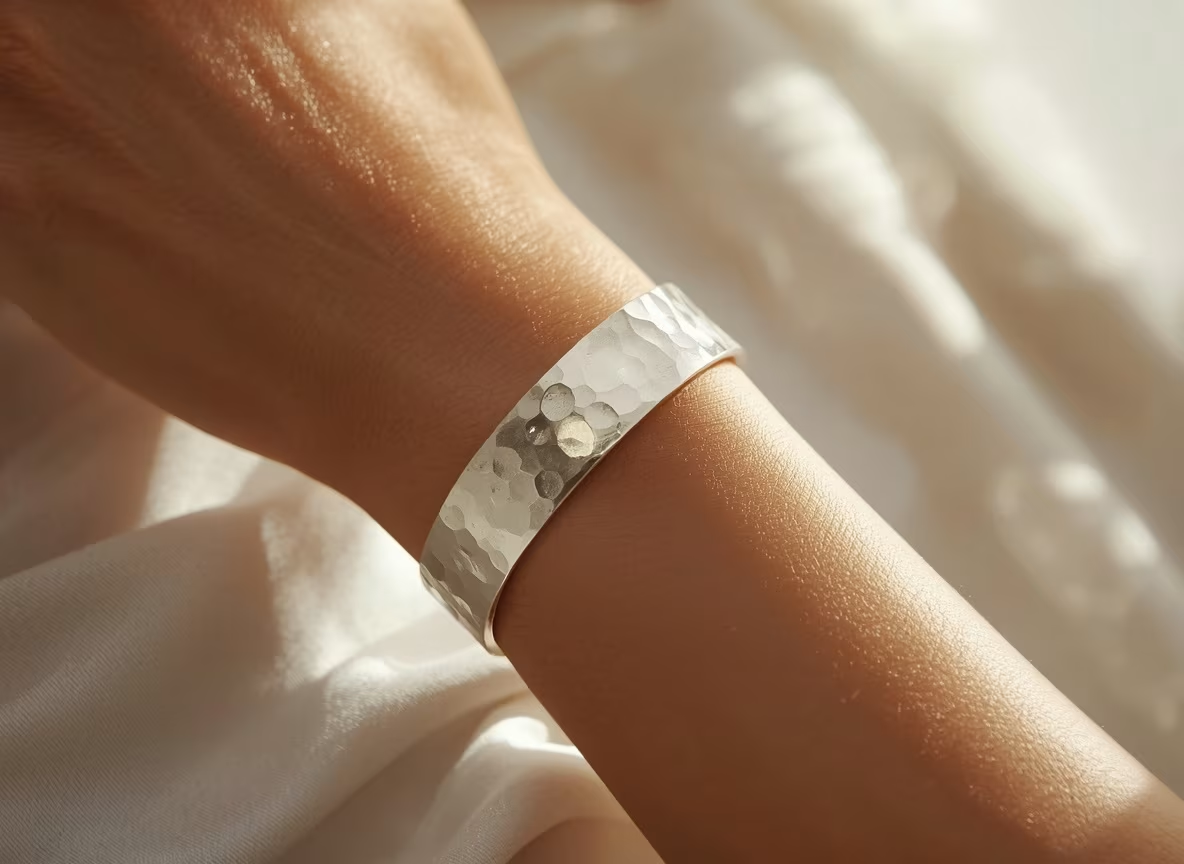
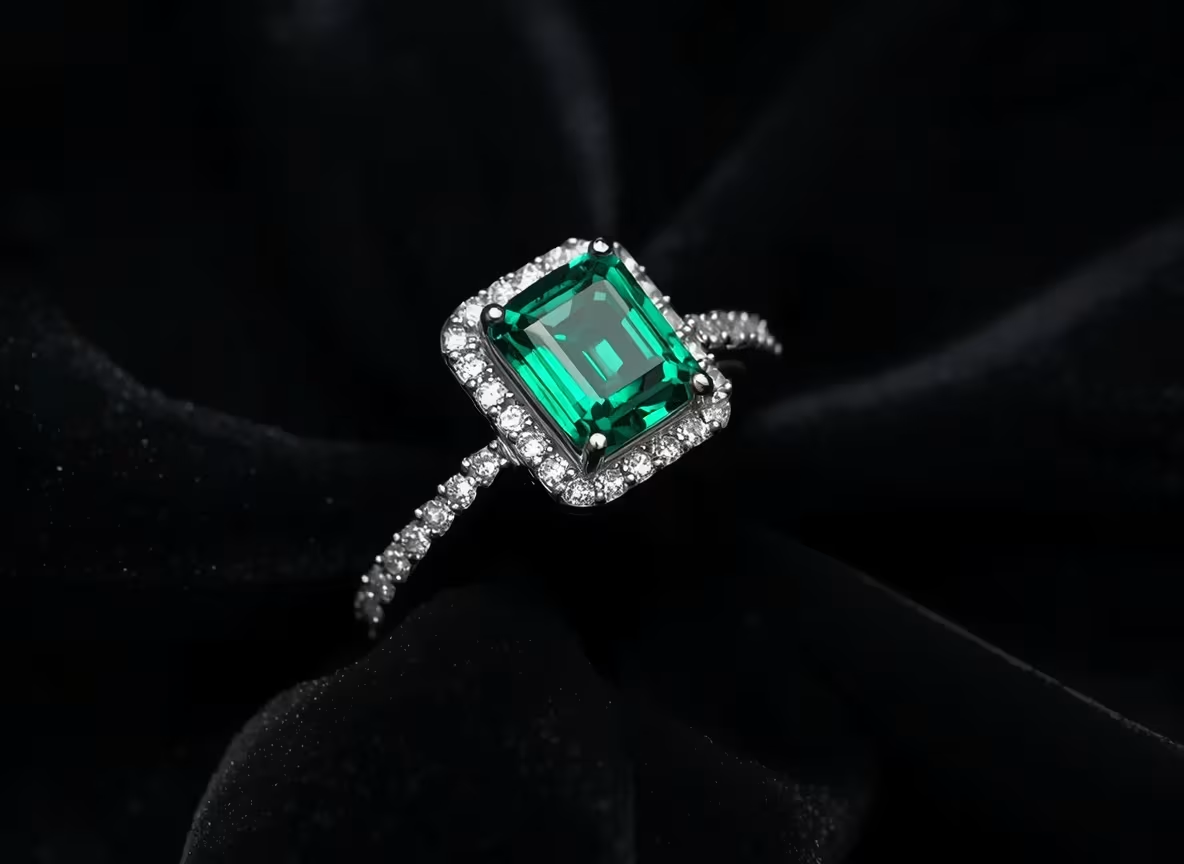
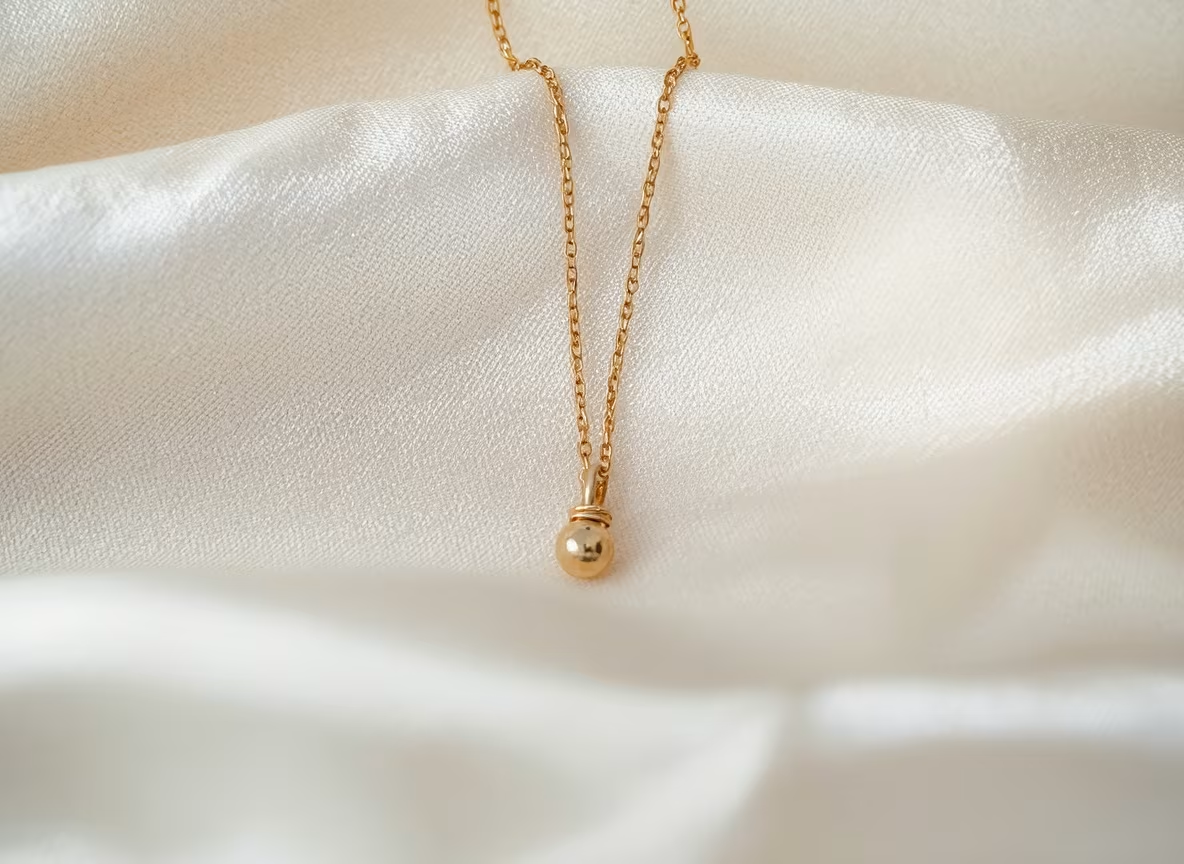
Short, concrete descriptions beat long, flowery ones. A good prompt names four things: the piece, the metal or stone, the surface it sits on, and where the light comes from. Everything else can be left to the model.
Skip vague words such as "beautiful" or "luxury". They sound helpful but give the model nothing to draw. "Brushed gold on grey concrete" tells it far more than "elegant premium look".
If the first result is close but not right, change one detail, such as the backdrop or the angle, and run it again. Rewriting the whole prompt makes it hard to tell what helped.
Different pieces catch light differently, so the same prompt rarely works for all of them. These are the habits that give cleaner results.
Rings are all about the stone and the band. Ask for a close, slightly raised angle and a dark or matte surface so the metal does not blend into the background. Mention the setting, such as solitaire, halo or bezel, to keep the shape believable.
Chains look best draped, not tangled. Say whether the necklace lies flat on fabric, hangs from a display bust or is worn. Fine chains need soft light, because harsh light turns them into a row of white dots.
Always ask for a matching pair and say how they sit: flat on a surface, hanging from a stand or worn. Drop and hoop styles reward a plain background, since the outline of the shape does most of the work.
A wrist or a rounded cushion gives the piece a natural curve. Mention the clasp or the cuff opening if it matters, and keep the background simple so the texture of the metal stays readable.
Fresh hero images and lifestyle shots for Shopify, Etsy and Amazon pages, without rebooking a studio every season.
Test several backdrops and moods for one piece, then keep whichever gets the clicks. A new variation takes seconds, not a reshoot.
Show a customer or a manufacturer how a design might look before a single stone is set, and catch problems while they are cheap to fix.
One honest note: the generator draws a new image from your words. If a listing has to show the exact piece a customer will receive, keep a real photo of it alongside the AI visuals. Many sellers use real photos for detail pages and AI images for banners, ads and mood.
Neither is better in every case. The table shows where each one makes sense.
| Factor | Studio shoot | AI generator |
|---|---|---|
| Time per image | Hours to days, including editing | A few seconds |
| Cost | Photographer, equipment, props | Free to start, low per image |
| Exact product detail | Accurate | Approximate, best for mood |
| Backdrop variety | Limited by props on hand | Unlimited |
You can try the generator before you spend anything. When you need more images or higher quality, paid plans add credits and faster results.
Make your first jewelry photos with no card on file. It is a low-risk way to see whether the style fits your brand.
More credits, faster generation and higher-resolution downloads, which matters once you are covering a whole collection.
Commercial use and watermark-free downloads come with your images, so there are no extra licence fees for ads or listings.
Plan details and current prices are always on the pricing page, so you see the latest numbers before you decide.
Realism comes from restraint. Pick one light source, one surface and one piece, and the image usually holds together. Crowded scenes with several stones, reflective props and complicated hands are where mistakes creep in.
Look closely before you publish. Check that clasps, prongs and chain links are in the right places, that earrings are a true pair and that reflections make sense for the room. If something is off, regenerate rather than patching it. Most people make four to eight variations, shortlist two or three and adjust a single detail at a time.
Finally, be open about how you use the images. A short line such as "styled visuals created with AI" on a banner builds more trust than a customer finding out later, and it keeps your real product photos doing the job they are best at.
Backdrop and light change how a piece feels more than any other choice. A white sweep reads as clean and honest, which suits marketplaces. Black marble or velvet feels formal and works well for diamonds and pearls. Linen, wood and stone bring warmth and suit handmade or everyday pieces.
For light, "soft window light" gives gentle shadows and a calm look. "Hard side light" makes metal glint and stones flash, but it also exaggerates every scratch. When in doubt, start soft and add drama later.
Stuffing a prompt with ten adjectives is the most common one. The second is asking for a model, a room and three products in one scene, which gives the generator too many things to get wrong.
Also avoid mixing metals by accident. If you say "gold ring with silver details" you may get either, so name the finish you want once and repeat it. Keep a note of prompts that worked, and reuse them across your catalog so every image feels like it belongs to the same brand.
Yes. Every image comes with commercial rights, so you can use it on your store, in ads and in print catalogs.
No. It creates a new image from your description, so it suits backdrops, mood shots and concepts. Use a real photo where exact detail matters.
Horizontal images around 1024 pixels wide suit banners, product pages and social posts, and higher-resolution downloads are available.
You can start for free. An account keeps your history and credits in one place.
Fine facets are the hardest detail for any image model. Ask for a simpler setting, a closer crop or softer light, and regenerate.
Most people generate four to eight variations, pick the best two or three and change one detail at a time.
Try the AI jewelry photo generator and see how your rings, necklaces and earrings look in a new setting.